About SyncBite
Restaurants have been taking orders the same way for a century. Only the paper keeps changing.
Every tool below solved a real problem for the kitchen it arrived in, and left a bill behind for the one after it. This is the short version of that story, and where SyncBite comes into it.
One order, six pieces of hardware
Illustrations, not photographs.
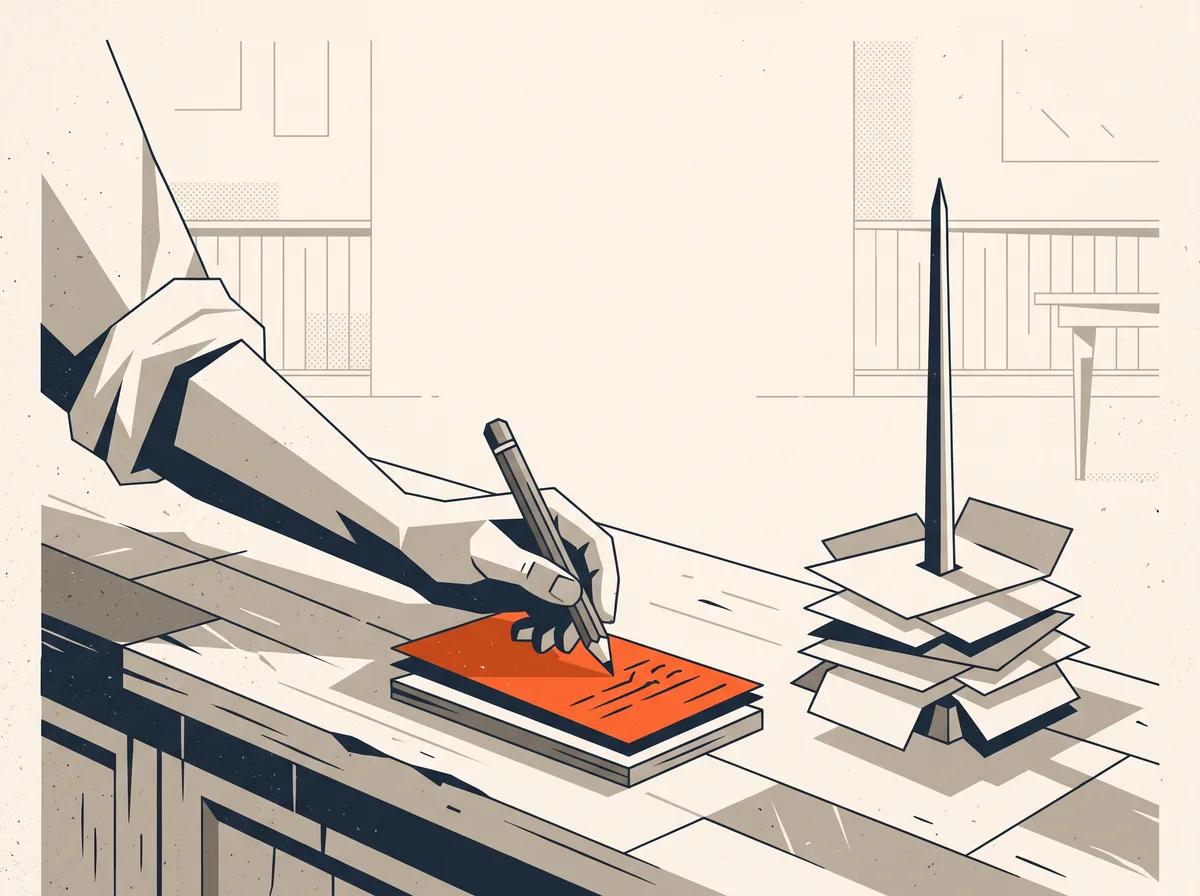
1890s
The order is a piece of paper
A waiter writes the table down twice, carbon sheet between the leaves. One copy walks to the kitchen, the other goes on the spike by the till. It works because there is exactly one of it, and it fails the same way: lose the slip and the table gets nothing.
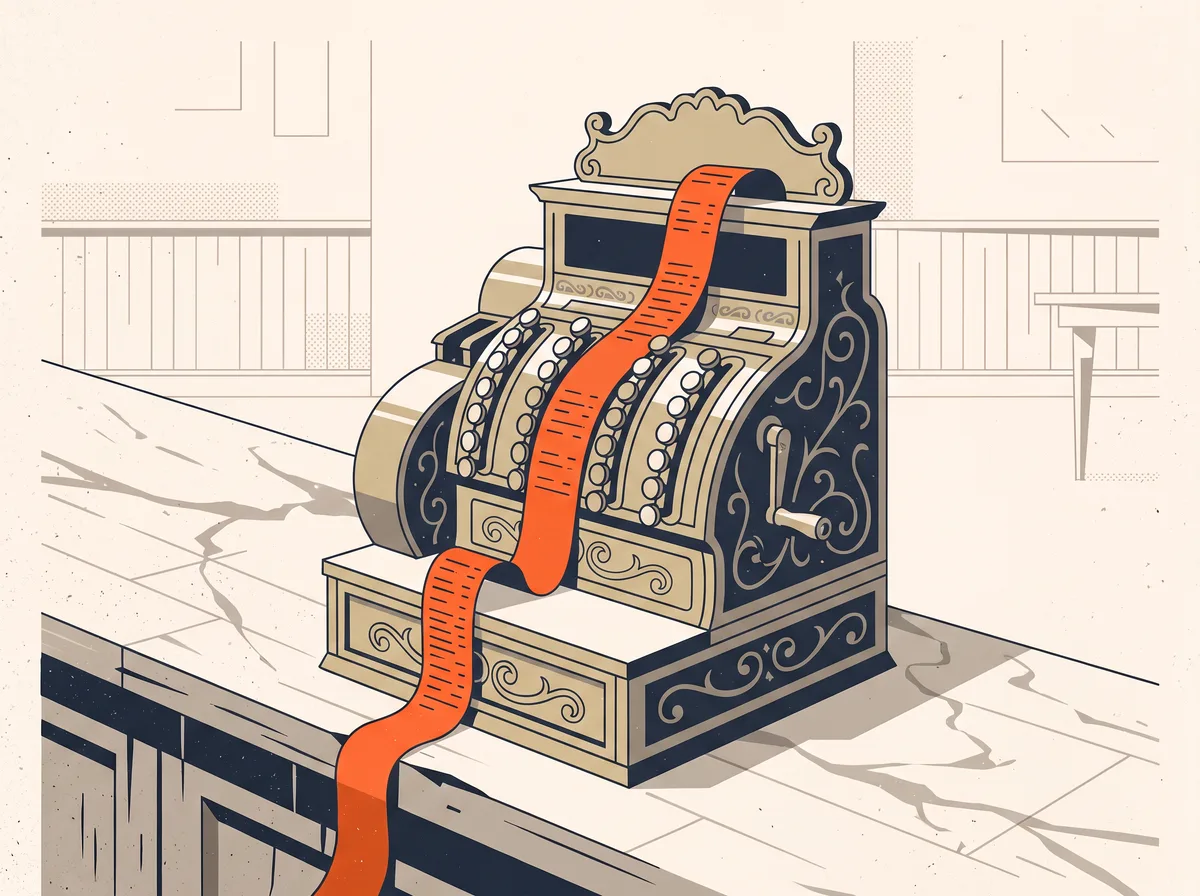
1910s
The counter learns to count
A mechanical register records what came in and prints a roll nobody reads until closing. The money is now on the record. The kitchen is still on paper, and the two do not talk to each other until the end of the night.
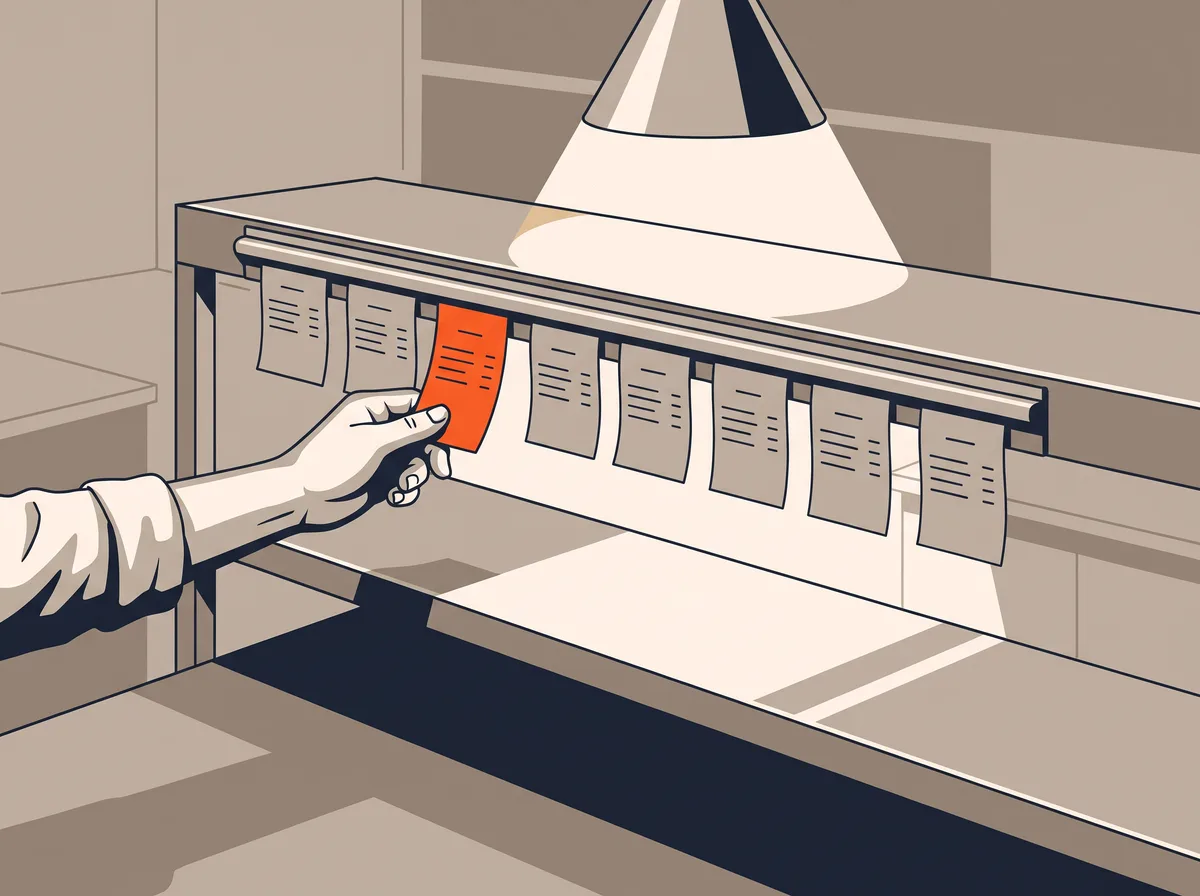
1970s
The pass gets a queue
Chits go up on a steel rail in the order they landed, and the expediter reads left to right under the heat lamp. It is the first real piece of workflow the kitchen ever had. It is still one copy of one slip, and it still burns, tears and falls behind the line.
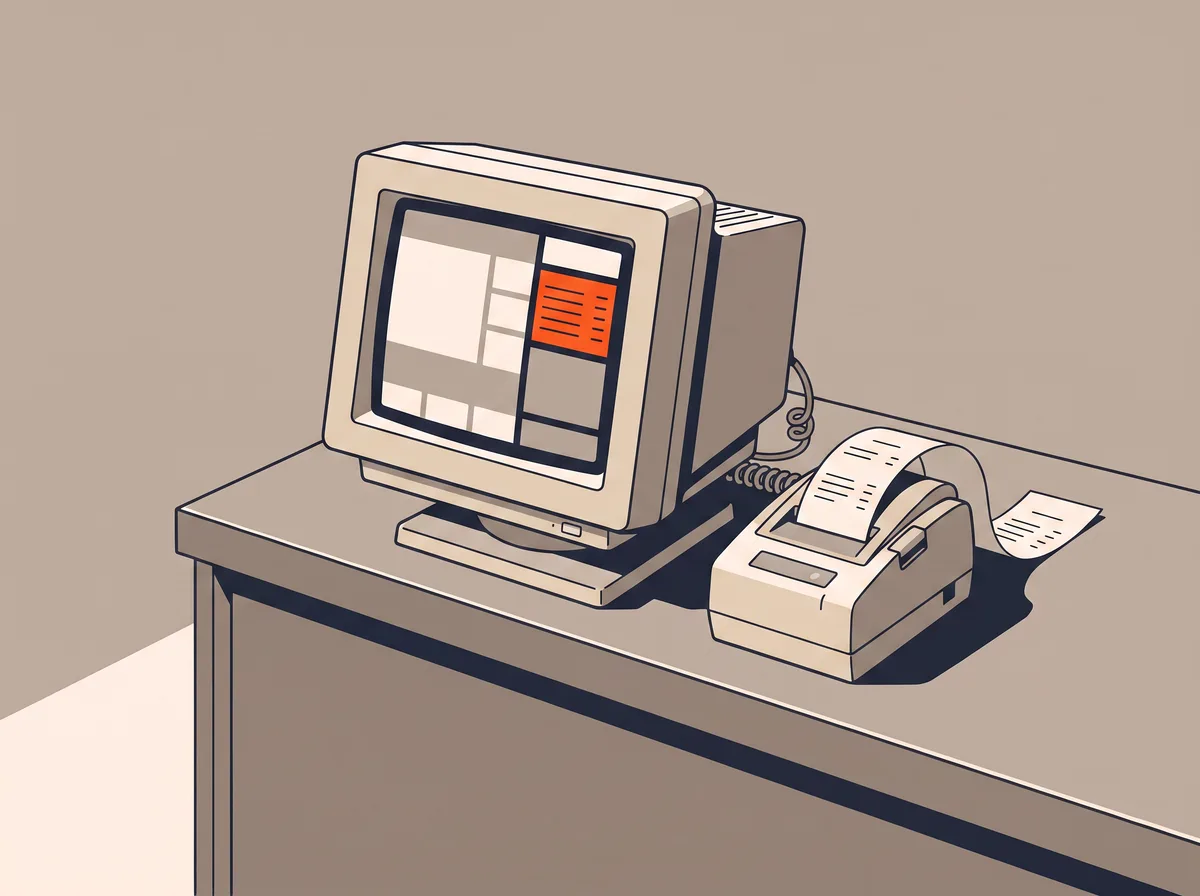
1990s
The order becomes data
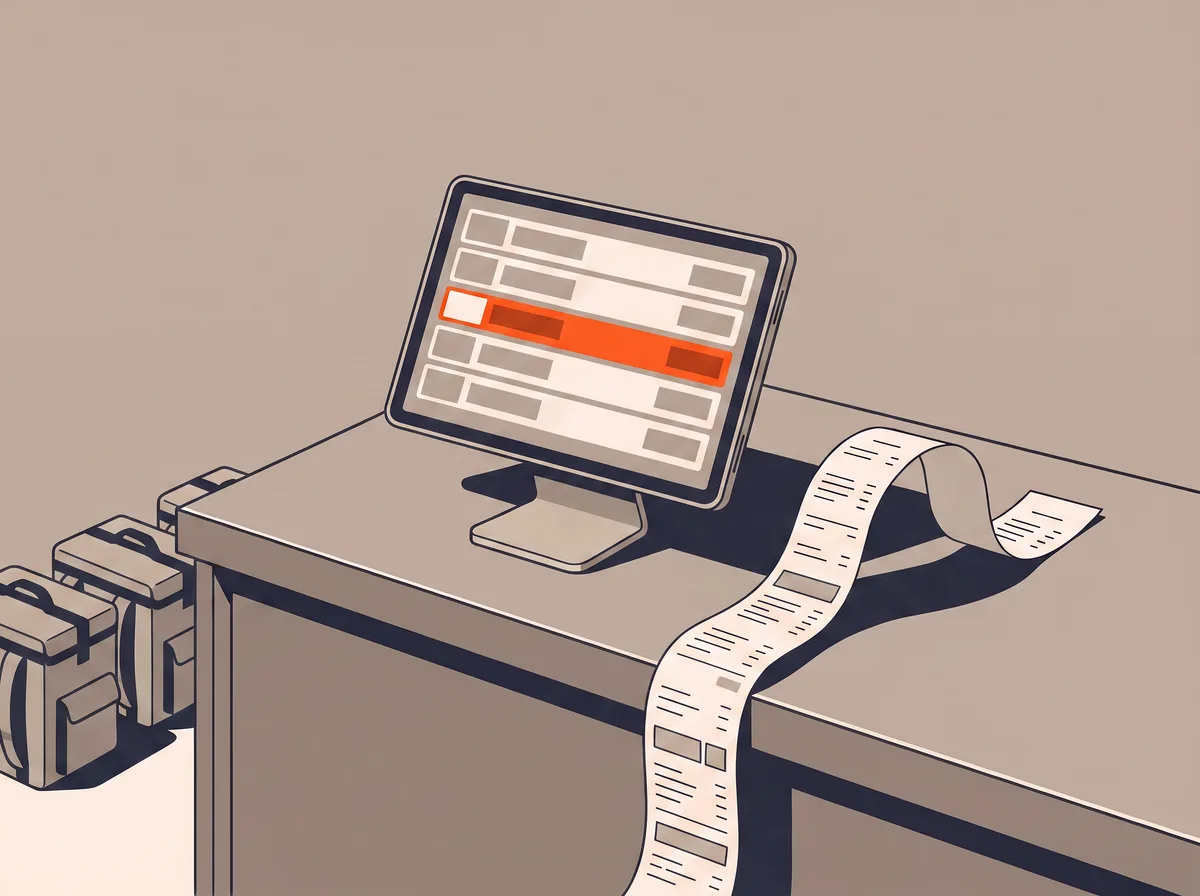
A terminal on the counter prints to the kitchen and totals the night by itself. Two things arrive with it that never leave: the hardware belongs to the vendor, and so does the contract. Switching later means buying the counter twice.
2010s
The order stops coming from the room
It arrives from an app the restaurant does not own, carrying a customer the restaurant never meets, and it takes a commission on the way in. Some counters end up with one tablet per platform and a different set of menu prices on each.
Today
The guest already has the app
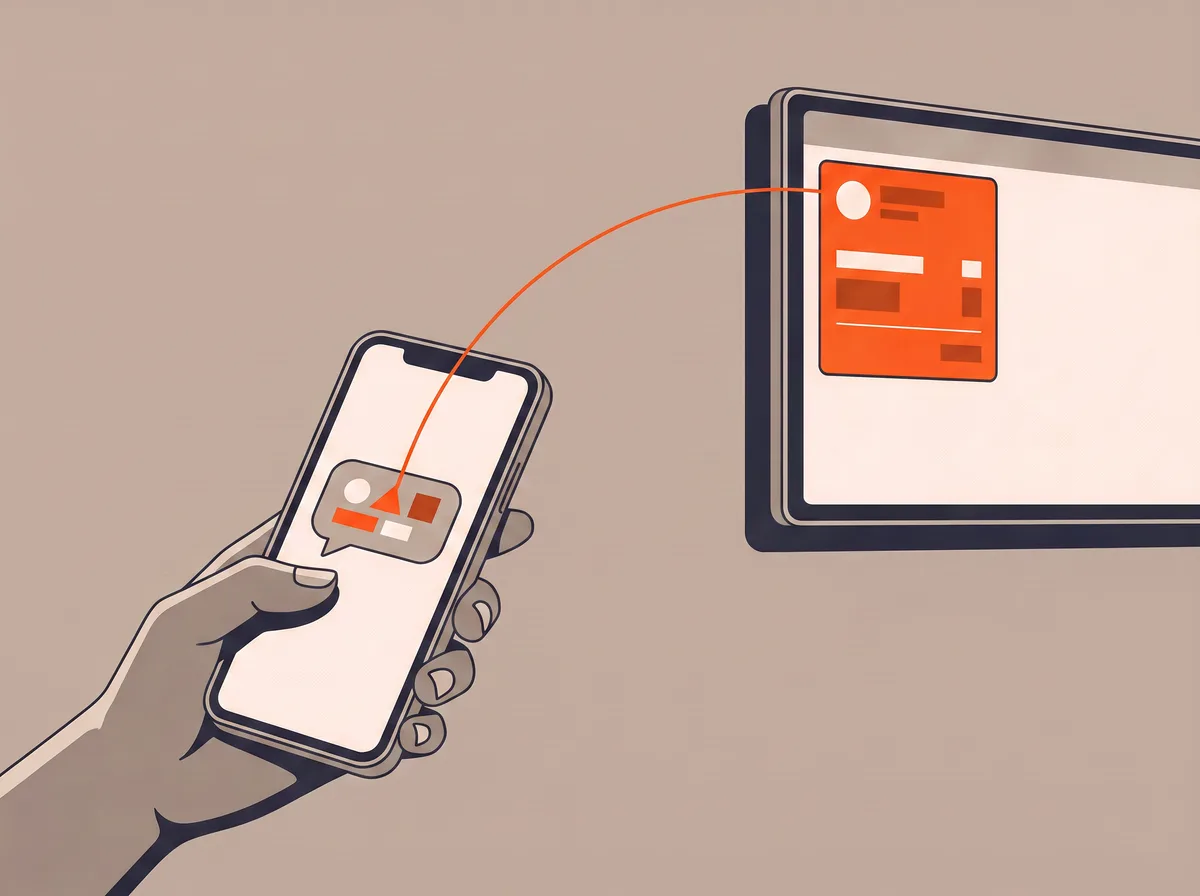
It is WhatsApp, and they are typing in it right now. SyncBite reads "two chicken burgers, no pickles, one large fries" against that restaurant's live menu, works out the modifiers and the total, and reads it back. Only when the guest confirms does it become an order, and then it lands on the kitchen display like any other ticket.
Why SyncBite exists
An independent restaurant now pays a marketplace for the order, a POS vendor for the counter, and three or four more subscriptions for online ordering, the kitchen screen, loyalty and campaigns. Each one made sense on the day it was signed.
SyncBite was built to put that back in one place the restaurant owns. It takes no commission on any order, on any plan. There is no contract and no minimum term. There is no hardware to buy, because it runs in a browser on a tablet you already have.
Work out what commission costs you →What happens after you sign up
Five steps, and the last one is how to leave.
Create the account
No card. The Free plan takes unlimited orders and has no expiry date, so there is no clock running while you look around.
Build the menu
Categories, items, modifiers, prices, and which kitchen station each item routes to. This is the longest part and it is the part only you can do, because only you know what a large is.
Turn on the channels
Print a QR code per table from the dashboard, each one opening your storefront with the table already attached. Link WhatsApp by scanning a code under Linked devices, the same way WhatsApp Web pairs to a phone.
Run a service
Orders land on the kitchen display in the browser, colour-coded by how long they have been waiting. Staff mark them paid on collection. Nothing about the first service needs a phone call to us.
Leave, if you want to
Cancel from the dashboard and your paid features keep running until the end of the period you already paid for — a month or a year — then the account drops to the Free plan on its own. Your menu, orders and customer list stay exactly where they are.
What it does, and what it does not do yet
The second list is the more useful one, and it is the same length on purpose.
Working today
- Unlimited orders on every plan, including Free.
- Kitchen display, QR table ordering, reservations with a waitlist, and loyalty that earns a point per dollar and redeems at a hundred to the dollar.
- WhatsApp ordering that reads a plain-language message against your live menu and confirms before it files anything.
- A nightly reorder list: it reads the last fourteen days of sales per item, works out how many days of cover you have left, and messages you before you run out.
- A Copilot that answers questions on its own, and shows you the exact change it wants to make before it makes one.
- Nine languages, Arabic included, right to left across the whole product and not only the marketing pages.
Not yet
- No receipt printers, cash drawers or card readers. SyncBite talks to screens, not to counter hardware.
- Online card payments are not switched on. Orders are paid on collection or on delivery and marked paid by staff.
- No offline ordering. Tickets already on the board stay readable if the line drops, but a new order needs the connection back, and the board says so rather than pretending.
- Voice ordering is not available. The call handling exists; there is no way for a restaurant to switch it on yet.
- Reorder lists and staffing suggestions are arithmetic on your own sales history, not machine learning. They are useful and they are not magic.
- SyncBite launched in 2026 and is early. There is no customer count on this page because there is not one worth printing yet.
How the articles on this site are written
They are written by a pipeline, and it seems fair to say so on the page where we ask you to trust us. A topic starts from a real search, checked against everything already published so it cannot repeat or compete with an existing page. The draft is generated with live search grounding and then has to get past an automated editor before it can reach the site.
That editor throws a draft out for putting a claim in the mouth of nobody in particular, for carrying fewer than two links to real sources, and for promising a comparison and then not naming the products. It gets one rewrite with its own failures quoted back at it. If it still fails, the topic is dropped, because a page that cannot pass is worth less than no page.
What a person does: picks the topics and turns it on. What a person does not do: read every draft before it publishes. If you find something wrong on one of them, tell us and we will fix it or pull it.
Start on the free plan, or just look around
The demo storefront is a real restaurant you can order from. Nothing there asks for a card, and neither does signing up.
Questions get an answer within 24 hours: [email protected]